Best Photo Booth Printing Solution
Eliminate photo booth printing headaches with Snappic. Discover why our software delivers unmatched reliability and performance for your events.

August 11, 2025
The Snappic team is passionate about creating unforgettable photo booth experiences.
The Common Printing Challenges
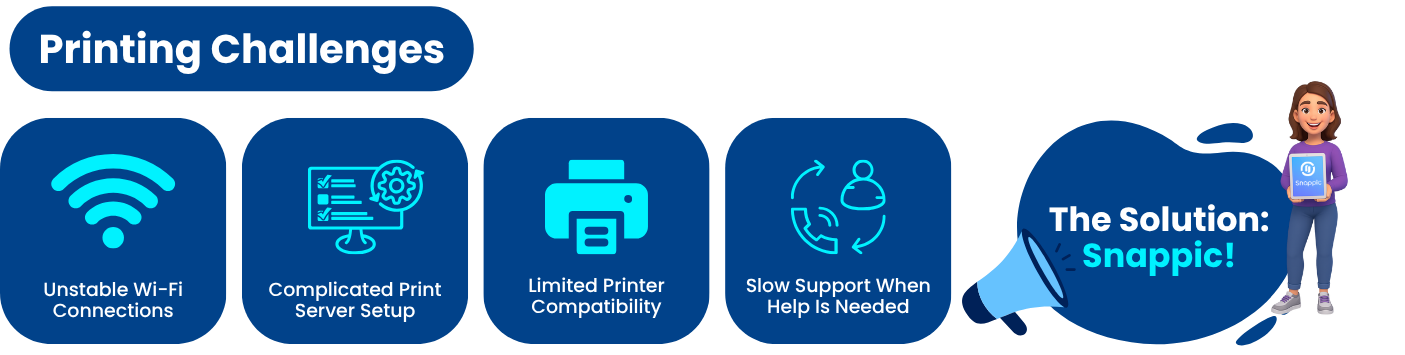
👎 Unstable Wi-Fi connections
👎 Complicated print server setup
👎 Limited printer compatibility
👎 Slow support when you need help most
These issues cost you time, money, and your reputation.
How Snappic Solves These Problems
✅ Wired Printing for Unbeatable Reliability
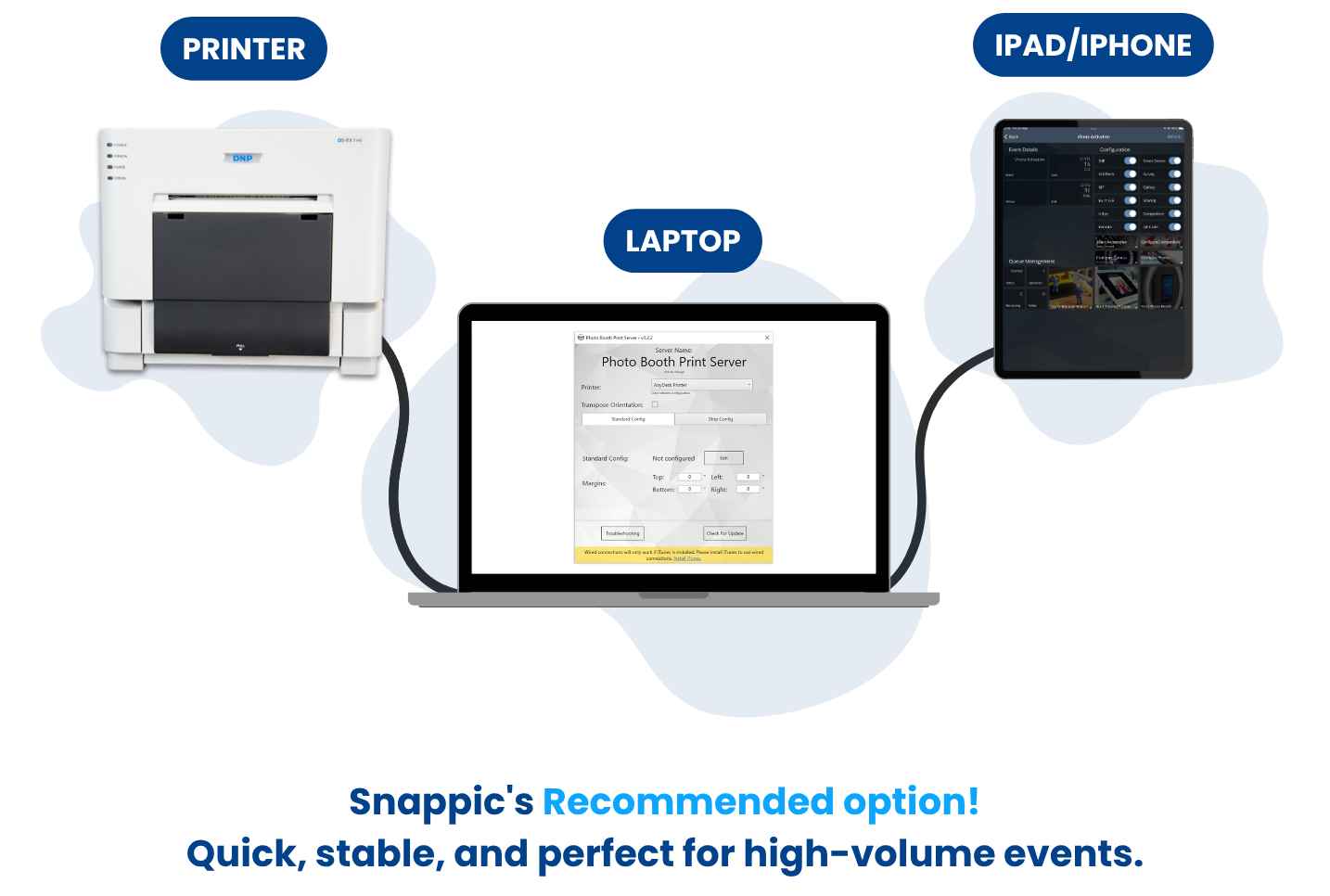
With Snappic’s wired printing, your iPad connects directly to your Mac or PC for:
- Instant print delivery
- No Wi-Fi dependency
- Seamless operation at busy events
📘 Learn how to set up wired printing
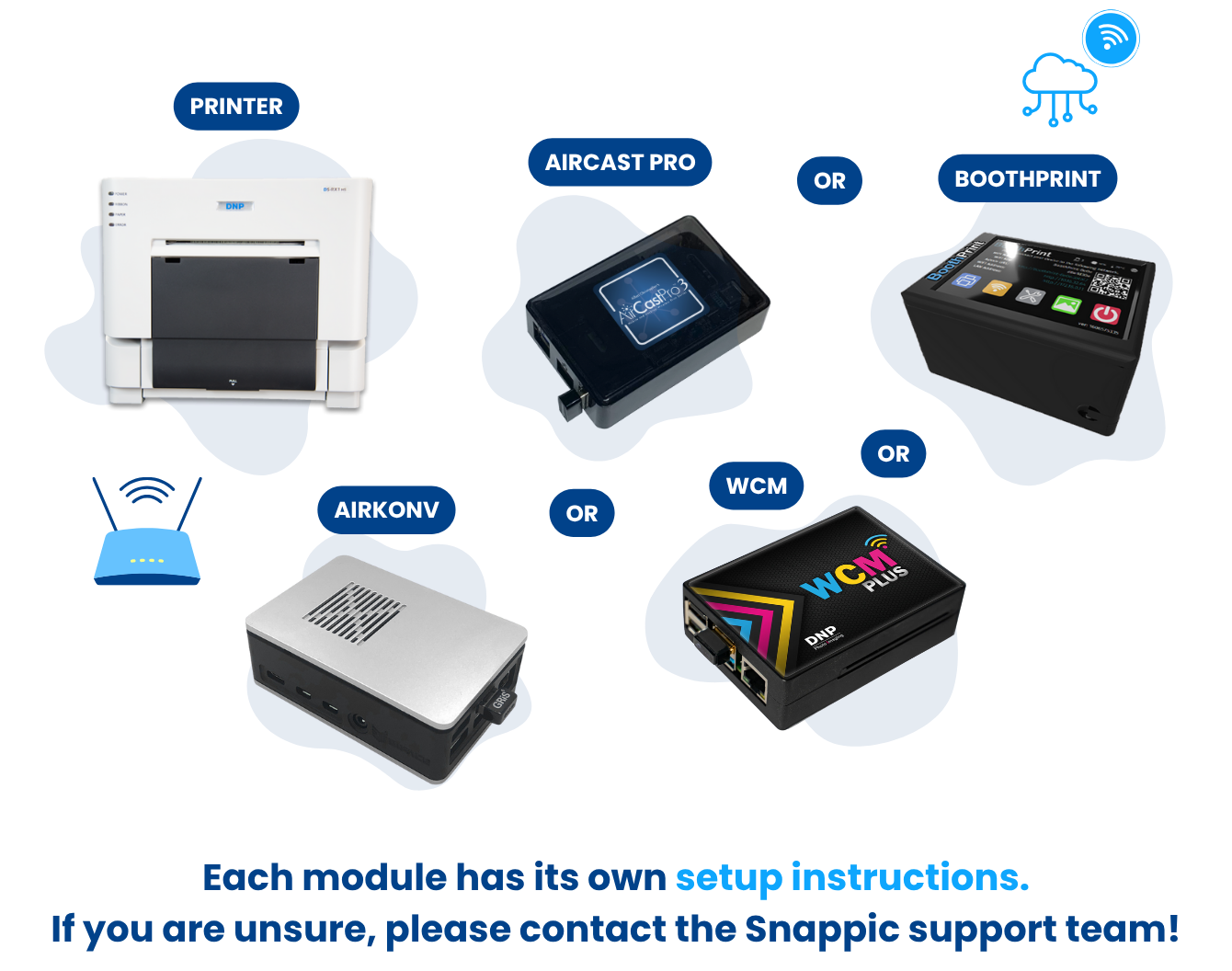
✅ Flexible Wireless Printing
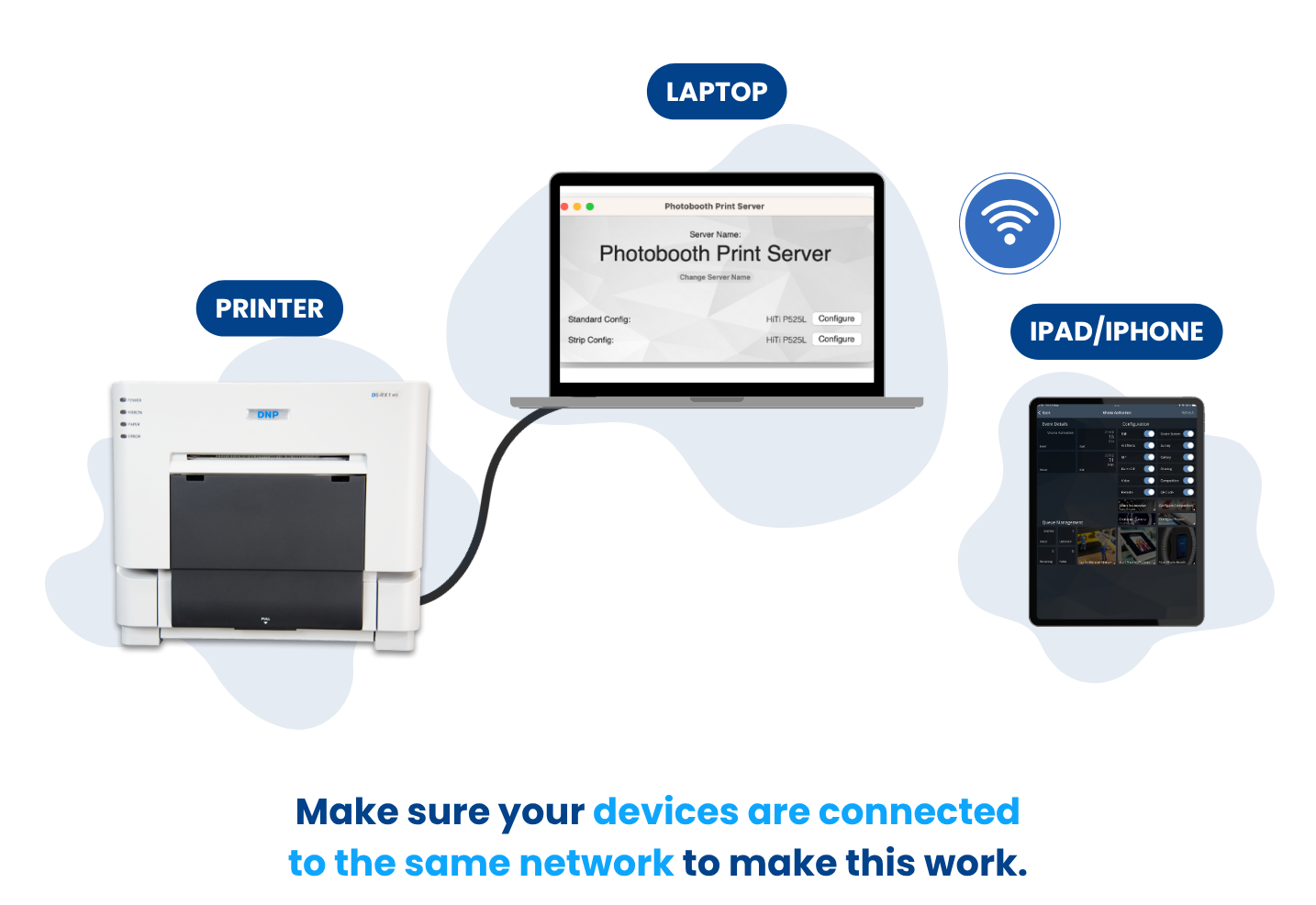
Snappic lets you choose the connection that fits your workflow:
- Private Wi-Fi with Snappic Print Server
- AirPrint direct from your iPad
- AirCast Pro for pro-grade wireless printing and sharing
✅ Print Customization
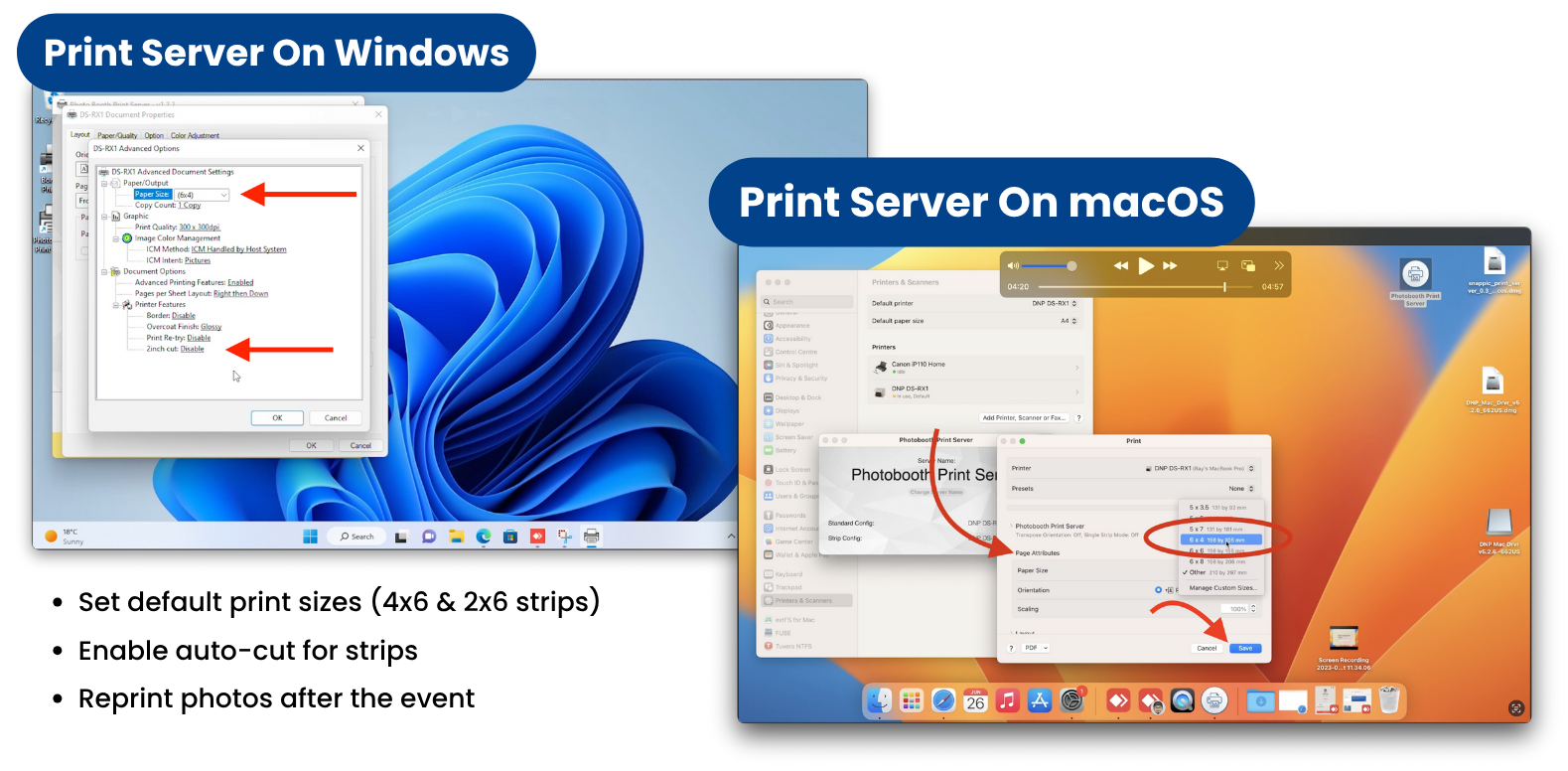
Snappic makes it easy to:
- Set default print sizes (4x6 & 2x6 strips)
- Enable auto-cut for strips
- Reprint photos after the event
✅ 24/7 Support When You Need It
When printing goes wrong, many companies leave you waiting. Snappic’s team is available 24 hours a day, 7 days a week to help you:
- Troubleshoot driver issues
- Fix connectivity problems
- Get back up and running fast
Real-World Success Stories
Thousands of photo booth businesses have switched to Snappic because it eliminates printing headaches and elevates the guest experience. From high-traffic weddings to corporate brand activations, Snappic keeps you running smoothly.
The Bottom Line
Snappic offers:
✅ Multiple printing methods to suit any setup
✅ Compatibility with popular printers (DNP, HiTi, Mitsubishi, Citizen, and so many more)
✅ Fast, stable print delivery
✅ Around-the-clock support to back you up
Don’t let printing problems hold you back.
👉 Start your free 14-day Snappic trial today and see how effortless photo booth printing can be.
✅ FAQs
Q1: What makes Snappic better than other photo booth printing software?
A1: Snappic offers multiple printing methods, excellent printer compatibility, and 24/7 support, making it the most reliable solution for professional operators.
Q2: What if my prints come out upside down or cropped?
A2: Snappic provides advanced configuration options like Transpose Orientation and Page Scaling to adjust print alignment.
Q3: Can I get help setting up my printer?
A3: Yes. Snappic’s support team is available 24/7 to help you with setup and troubleshooting.
Q4: Does Snappic require internet to print?
A4: Internet is only needed for the initial configuration. Wired and AirPrint options work offline during events.
More from Melissa
Previous Post
ClassicFX Groups: Premium AI Photo Booth Setup
Use Snappic ClassicFX Group AI photo booth filters for groups to create on-brand images and deliver premium wedding and corporate event experiences.
Next Post
A Complete Guide to Photo Booth Printing with Snappic
In this guide, we’ll walk you through all the printing options available with Snappic, so you can choose the perfect solution for your events.