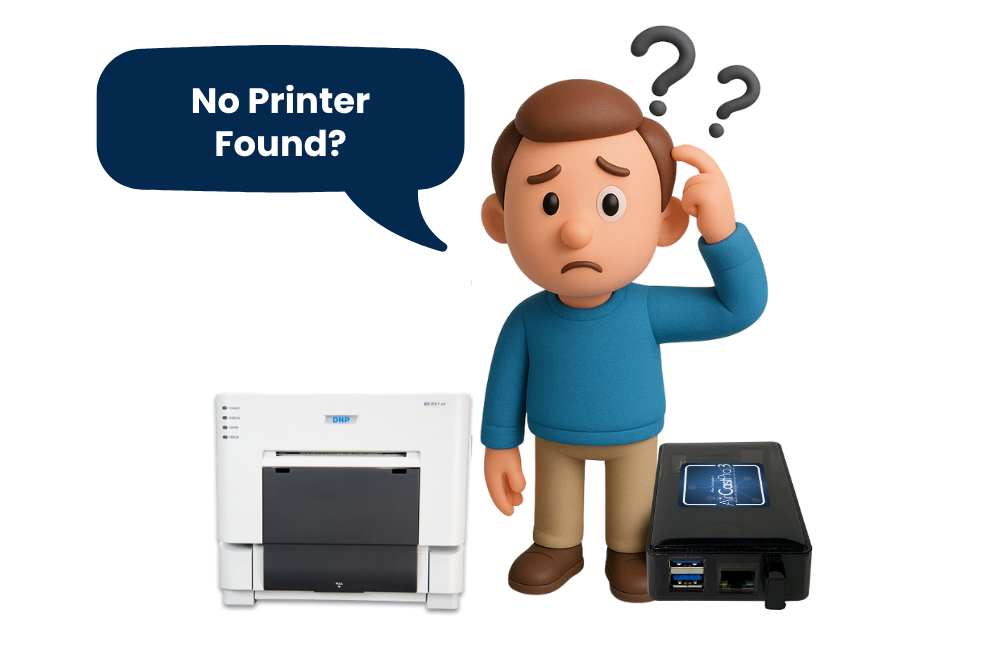
Are you experiencing issues printing with AirCastPro at your photo booth events? You’re not alone. This is currently one of the most frequently asked questions in the Snappic community, and we’re here to help.

August 20, 2025
The Snappic team is passionate about creating unforgettable photo booth experiences.
Are you experiencing issues printing with AirCastPro at your photo booth events? You’re not alone. This is currently one of the most frequently asked questions in the Snappic community, and we’re here to help.If your AirCastPro (ACP) is freezing mid-event, failing to send prints, or not connecting, the problem is likely related to iOS updates and Wi-Fi reliability, not Snappic itself.
Many users have reported problems with AirCastPro after updating to iOS 18.2 or later. Common symptoms include:
These issues are caused by iOS changes and network instability. They are not bugs in the Snappic software.
AirCastPro works as a wireless AirPrint server. It allows your iPad to send print jobs via Wi-Fi to a USB-connected printer. This setup depends on two things:.
Recent iOS updates, particularly versions 18.2 and 18.5, have introduced changes to AirPrint services. As a result, users have experienced:
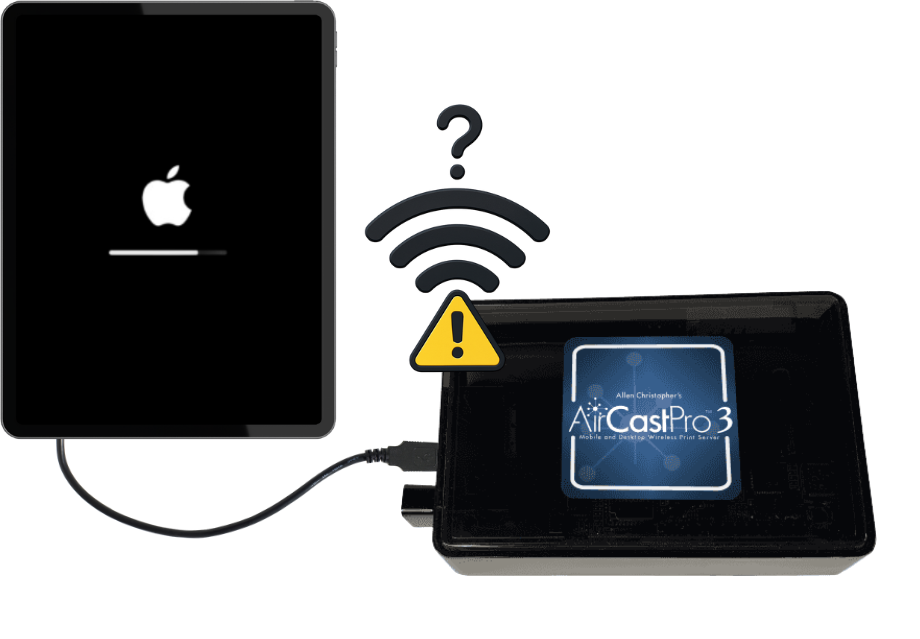
These issues are confirmed by both AirCastPro and third-party reports. They stem from iOS updates and networking limitations.
To maintain reliable printing at your events, we recommend the following solutions:
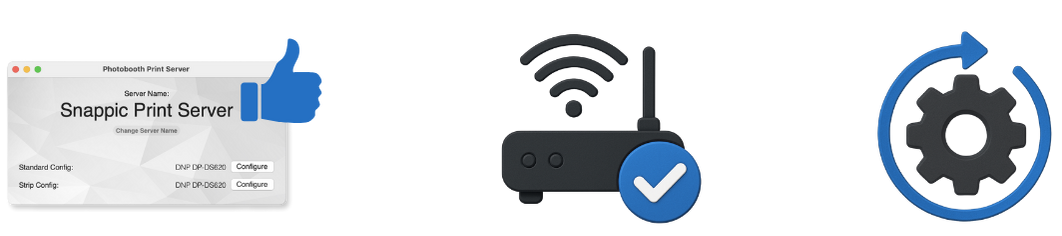
Snappic offers a dedicated Print Server app for Mac and Windows. It connects directly to your printer via USB and allows your iPad to print over a local network.
(Click here for the setup)
AirCastPro depends on a stable and open network. Most public or venue Wi-Fi networks are crowded, restricted, or unreliable for AirPrint.
This significantly reduces dropouts and connection issues.
AirCastPro has released beta firmware version B459 to improve compatibility with iOS 18.2 and above.
This is especially important when preparing for important or high-traffic events.
If your AirCastPro is not printing with Snappic, the most likely causes are recent iOS changes and Wi-Fi instability.
These steps will help you prevent mid-event failures and maintain a smooth guest experience.

Need help? Our support team is available 24/7. Contact us at:
https://www.snappic.com/contact-usTry Snappic free for 14 days:
Previous Post
In this guide, we’ll walk you through all the printing options available with Snappic, so you can choose the perfect solution for your events.
Next Post
Discover how to create branded fall photo booth experiences in minutes using Snappic’s pre-made event templates. Learn how to customise graphics, preview live overlays, streamline guest flow, and reuse setups to book more events with less effort.
Get the latest photo booth trends, tips, and Snappic updates delivered to your inbox.
No spam, unsubscribe at any time.