Snappic's Most Innovative Features at PBX 2025
Elevate your events with Snappic’s cutting-edge photo booth software. Discover innovative features like AI-FX and Microsite 2.0 to enhance personalization today!

March 26, 2025
The Snappic team is passionate about creating unforgettable photo booth experiences.
Breaking New Ground: Snappic’s Most Innovative Features Revealed at PBX 2025
At Snappic, we are committed to providing photo booth operators with cutting-edge tools that enhance event experiences. At PBX 2025, we unveiled four innovative features that elevate creativity, engagement, and personalization: Photo Personalization, AI-FX Style Transfer, Microsite 2.0, and Email 2.0.
These features enable operators to create more interactive, visually impressive, and client-friendly experiences. In this blog, we will explore how these enhancements can transform your photo booth business and help you attract premium clients.
1. Photo Personalization: Make Every Photo Unique
What is Photo Personalization?
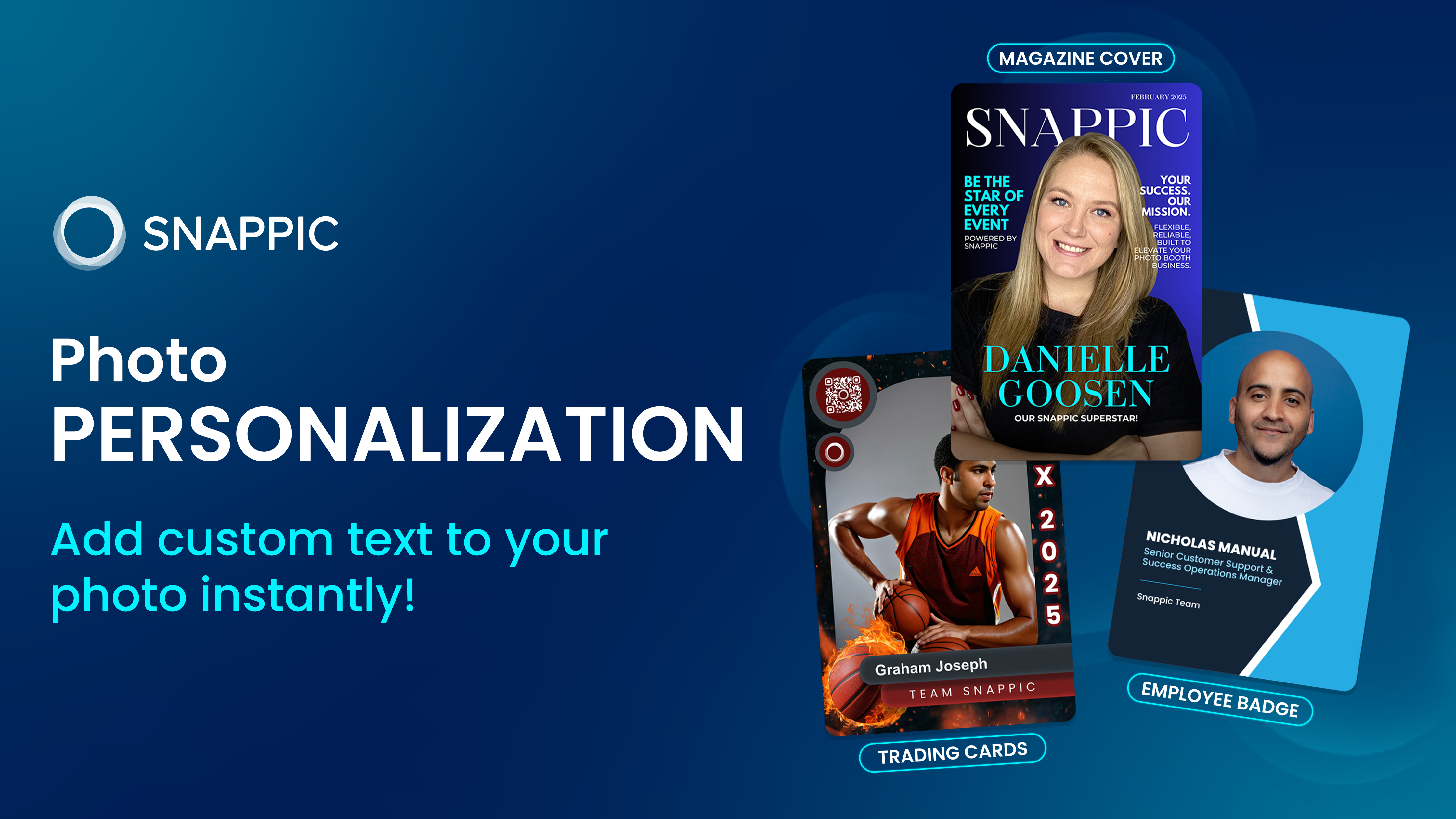
Snappic’s Photo Personalization feature allows guests to add their own text directly to their photos. By integrating a customizable text box into the survey, guests can input personalized messages, names, or event-specific captions that seamlessly appear on the event template.
Why It’s a Game-Changer with Snappic:
- Enhanced Guest Engagement: Personalized photos strengthen guests' connections, encouraging them to share their images. At PBX 2025, Snappic demonstrated this feature by creating lanyards with trading card-style printouts featuring guest names.
- Ideal for Themed Events: From weddings and corporate activations to private parties, personalized captions add a unique touch to every event. For example, a wedding photo template could allow guests to leave special messages for the bride and groom.
- Increased Brand Exposure: Guests are more likely to share customized images, boosting event visibility and engagement.
How to Use It with Snappic:
- Add a text box to your Snappic event survey.
- Link the text box to your photo template.
- Guest inputs will automatically appear on their photos, making each printout unique.
📌 For more information on how to set up this feature, click here: Photo Personalization
2. AI-FX Style Transfer: Consistent, Professional Visuals
What is AI-FX Style Transfer?
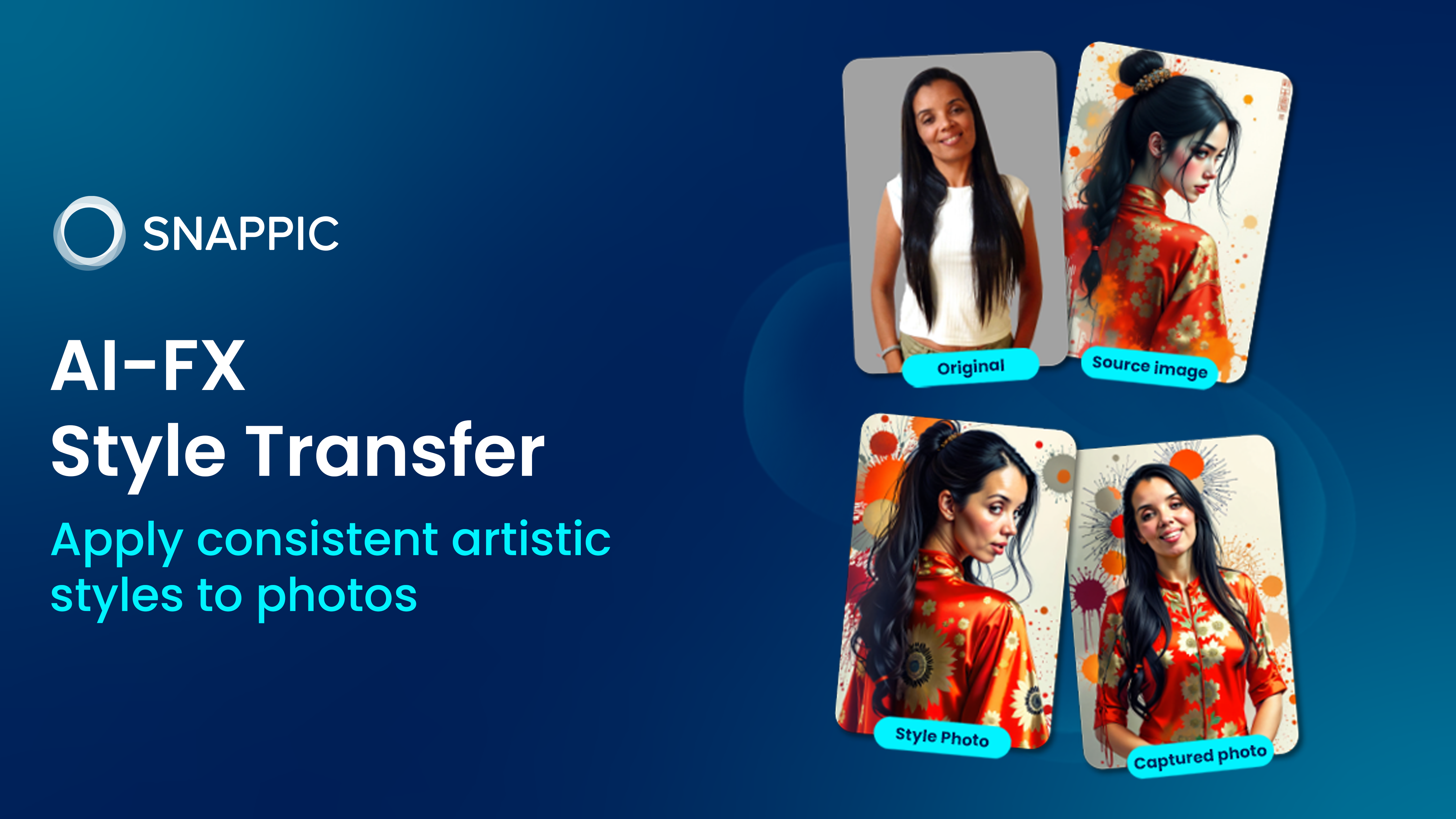
AI-FX Style Transfer expands Snappic’s AI capabilities by applying consistent artistic styles to photos. This feature allows operators to match event themes, brand aesthetics, or creative designs with AI-generated effects, ensuring a cohesive and professional look.
Why It’s a Game-Changer with Snappic:
- Brand Consistency: Ideal for corporate clients requiring uniform branding across all photos.
- Creative Flexibility: Transform ordinary images into stylized artwork that aligns with event themes.
- Enhanced Professionalism: Helps photo booth operators offer unique, high-end services that differentiate them from competitors.
How to Use It with Snappic:
- Navigate to the AI-FX settings in Snappic.
- Select the Style Transfer option and upload reference images or choose from preset styles.
- Snappic’s AI will apply the selected style to all event photos, ensuring visual consistency.
📌 For more information on how to set up this feature, click here: AI-FX Style Transfer.
3. Microsite 2.0: A Sleek, User-Friendly Experience
What is Microsite 2.0?
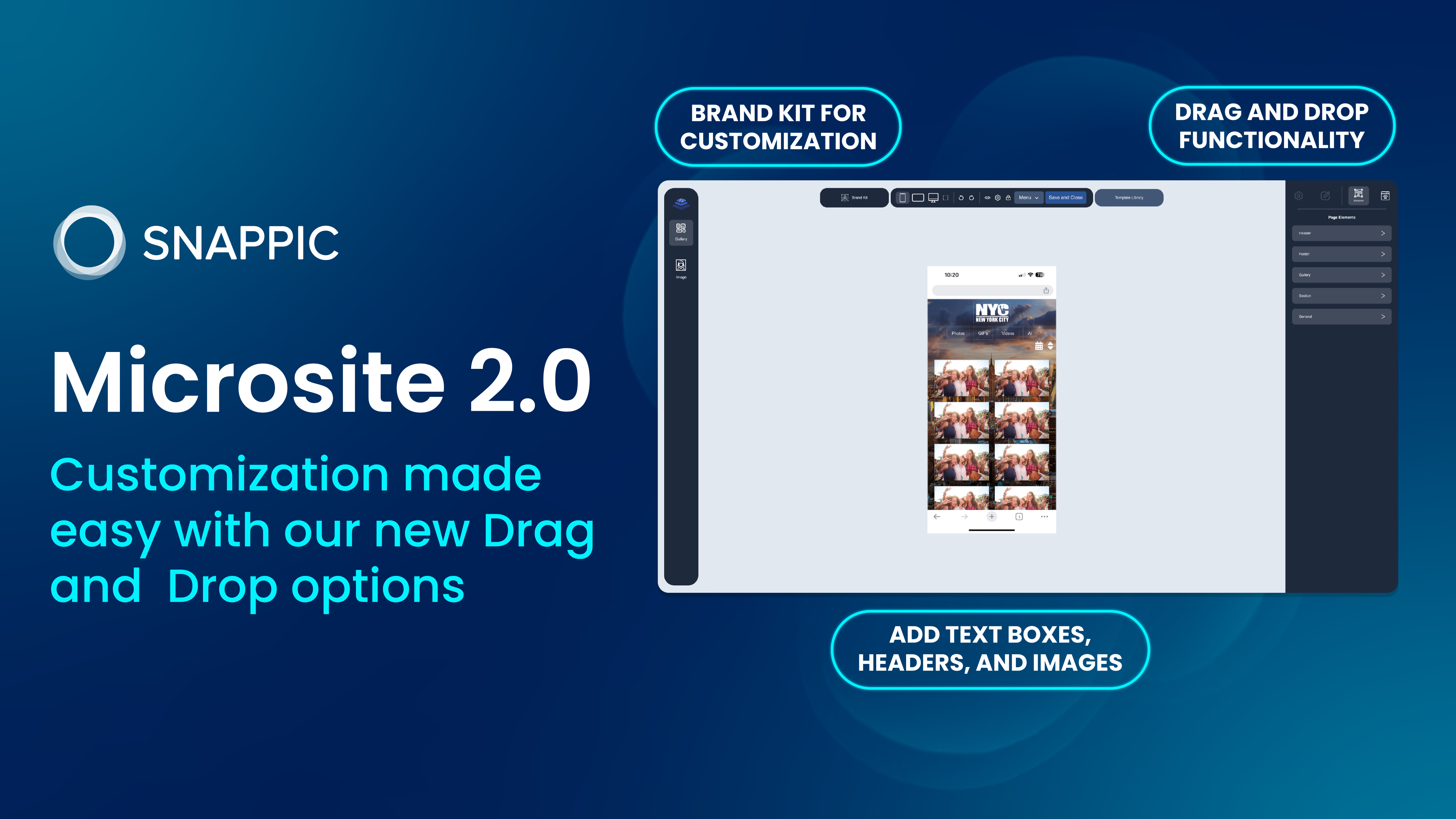
Snappic’s redesigned Microsite 2.0 offers a modern, intuitive interface for sharing event galleries. With improved customization options and an enhanced layout, guests can seamlessly view, download, and share their event photos. This feature is currently in closed beta, so interested users should contact the support team to join the beta list.
Why It’s a Game-Changer with Snappic:
- Improved User Experience: A streamlined interface makes it easier for guests to navigate and interact with event galleries.
- Enhanced Branding Options: Operators can customize the microsite with logos, color schemes, and other brand elements.
- Increased Shareability: The updated design encourages higher engagement and social sharing, helping events reach a wider audience.
How to Use It with Snappic:
- Enable Microsite 2.0 in your Snappic event settings.
- Customize the layout and branding to match the event theme.
- Share the microsite link with guests for easy access to the event gallery.
Note: Microsite 2.0 is currently in closed beta. Contact the Snappic support team to gain early access.
4. Email 2.0: Smarter, More Engaging Communication
What is Email 2.0?
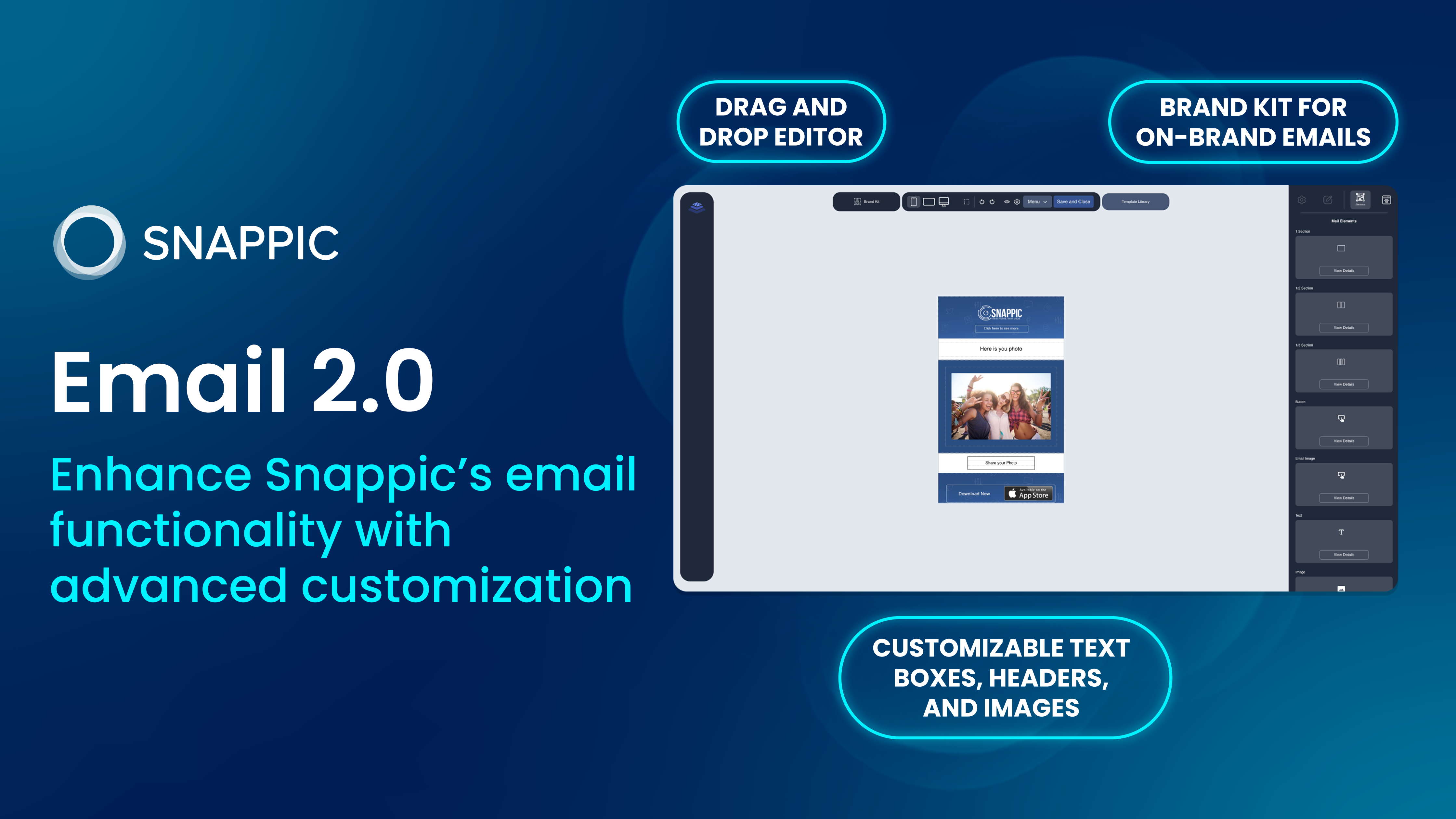
Email 2.0 enhances Snappic’s email functionality with advanced customization, improved deliverability, and dynamic content capabilities. This feature ensures that guest communication is engaging, professional, and aligned with event branding.
Why It’s a Game-Changer with Snappic:
- Enhanced Personalization: Use dynamic fields to create tailored email content that resonates with guests.
- Branded Communication: Customize email templates with logos, colors, and branding elements to maintain a professional appearance.
- User-Friendly Drag-and-Drop Editor: Allows for seamless email design without requiring technical expertise.
How to Use It with Snappic:
- Navigate to the Email Settings in Snappic.
- Choose from pre-designed templates or create a custom layout.
- Personalize the content using dynamic fields and track email performance metrics.
Note: Email 2.0 is currently in closed beta. Contact the Snappic support team to request access.
Elevate Your Photo Booth Business with Snappic
The features introduced at PBX 2025 are designed to help photo booth operators create more engaging, share-worthy experiences. Photo Personalization and AI-FX Style Transfer are available now, allowing you to enhance guest experiences immediately. Microsite 2.0 and Email 2.0 are currently in closed beta, but you can request early access to test these powerful tools.
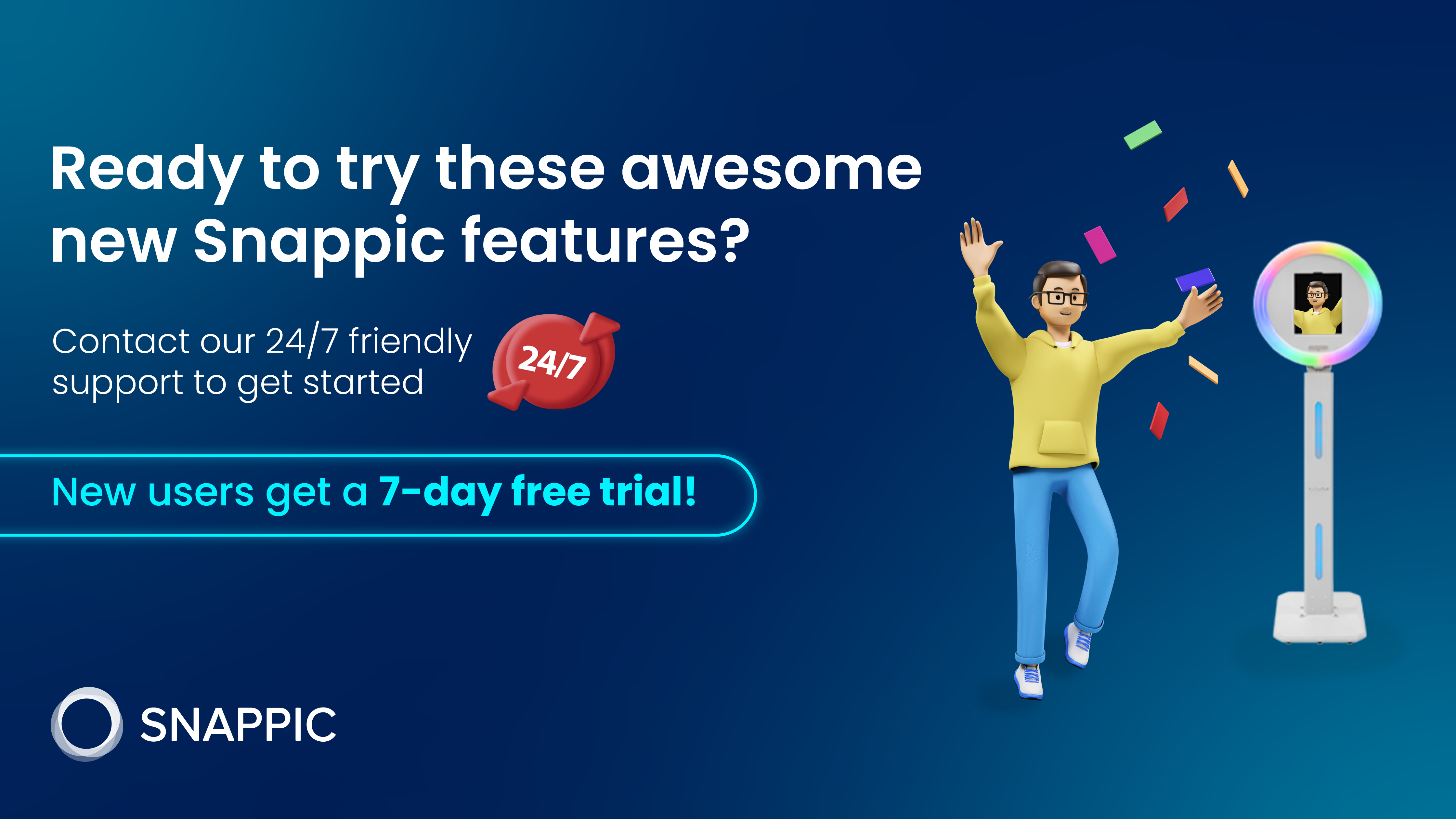
Ready to Try These Features with Snappic?
- Start using Photo Personalization and AI-FX Style Transfer today! Sign up for a free 7-day trial and explore these new features.
- Are you interested in Microsite 2.0 or Email 2.0? Contact our 24/7 support team to join the closed beta and be among the first to experience these enhancements.
New to Snappic? Sign Up for a Free 7-day Trial - https://snappic.lpages.co/sign-up/
More from Melissa
Previous Post
5 Photo Booth Mistakes at Weddings to Avoid
Avoid costly wedding mistakes with Snappic's photo booth software. Discover essential tips to impress clients and secure future bookings effortlessly.
Next Post
Create Trading Cards Guests Want to Keep
Using Snappic’s Photo Personalization feature, you can easily create personalized card prints that showcase each guest’s name, role, or fun tagline. From MVP cards to superhero IDs, this feature isn’t just a crowd-pleaser; it’s a revenue booster.